
The Short Answer
Twindo: LiDAR 3D Measurements now Colorizes your scan directly on your device! However, for additional processing on our more powerful servers you may upload your scan and access it via the Web Portal. Within the portal you can place orders or access the 3D Web Viewer which lets you view, measure, and share your scans. You can read more about how to use the 3D Web viewer here: What is the Twindo Web Viewer and how do I use it?
The Long Answer
While scanning, Twindo creates a scale-accurate 3D model of the space. Once you finish, the scan will process into a 3D model you can measure and view, annotate, and share with others.
After Colorizing
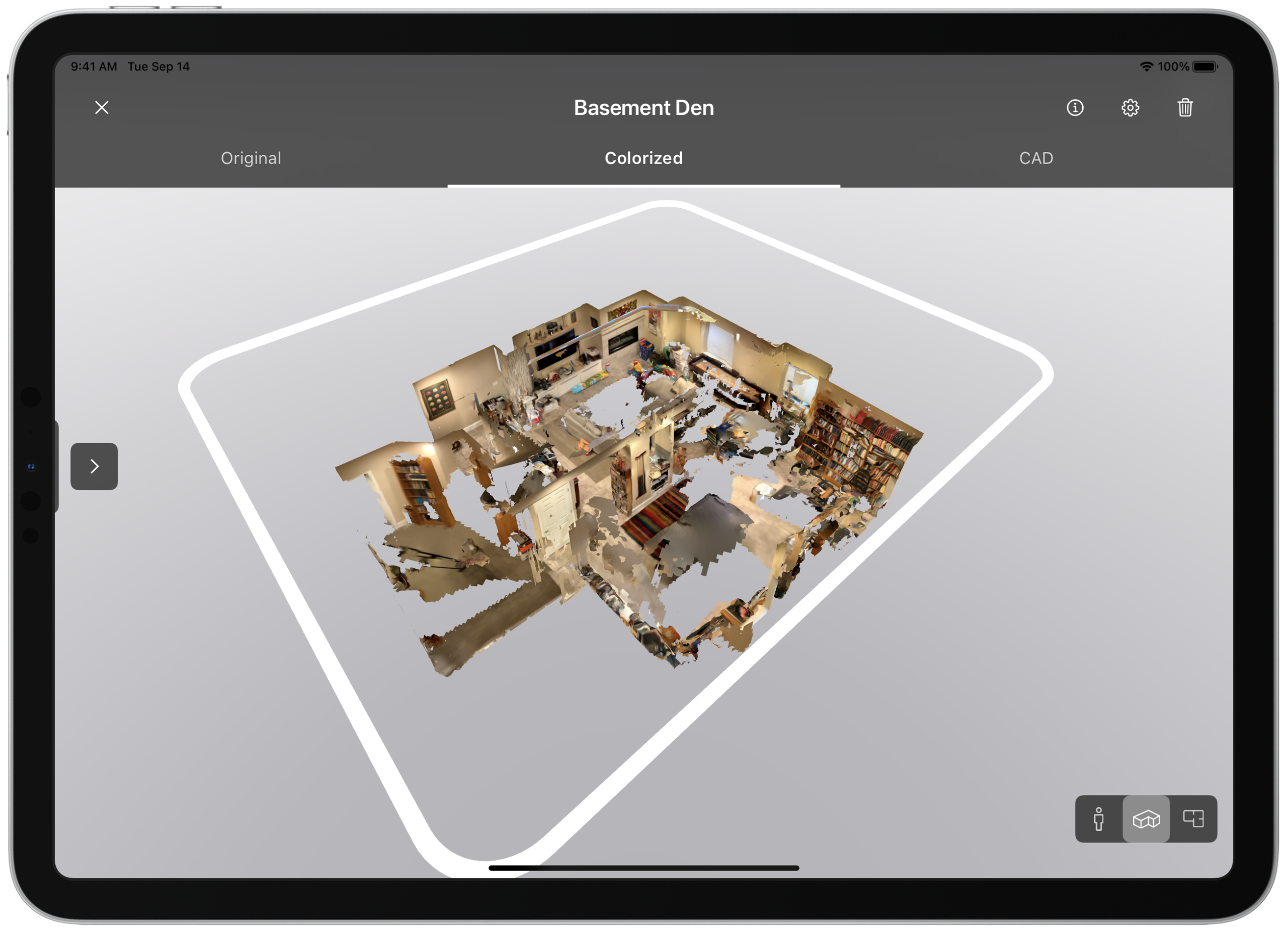
You can view an example of an uploaded Colorized scan interactively by accessing the 3D Web Viewer with this example:
You can read more about how to use the 3D Web viewer here: What is the Twindo Web Viewer and how do I use it?