
Stop Drawing From Scratch: How Twindo Plan to CAD Saves Teams Hours of Work on Every Project
Starting a project with existing plans should be a head start. But too often, those floor plans just mean more work.
Before you can design anything, you’re rebuilding models that already exist… just in the wrong format. It’s a common time sink in design and building work, and it’s now almost entirely avoidable.
The Work Before the Work: New Construction and Additions
If you’re a designer working off the architect’s 2D floor plan, you might think your only option to get a 3D model is to build it yourself. That makes sense — sometimes there’s no space to measure or scan, or getting to the location is prohibitive.
Sure, you or someone on your team has the skills to do it, but building workable 3D models is a slow process (not to mention the least enjoyable thing on your to-do list). And when deadlines are tight, building models means time you can’t always afford.
The Existing Conditions Problem Gets Messier: Renovations and Remodels
For designers, architects, and commercial project teams working on remodels and renovations, getting accurate as-builts into your design software is equally frustrating. Depending on the project’s complexity, manually modeling an existing floor plan can eat up anywhere from a few hours to several days. That’s time that could be spent on actual design work.
This is especially costly for commercial teams managing multiple locations at once. A retail chain rolling out a refresh across dozens of stores, a restaurant group standardizing kitchen layouts, or a hospitality brand planning a property addition all face the same bottleneck: someone has to build those existing plans before any real work can begin. Multiply that across locations, and the hours lost add up fast.
There’s a Better Way
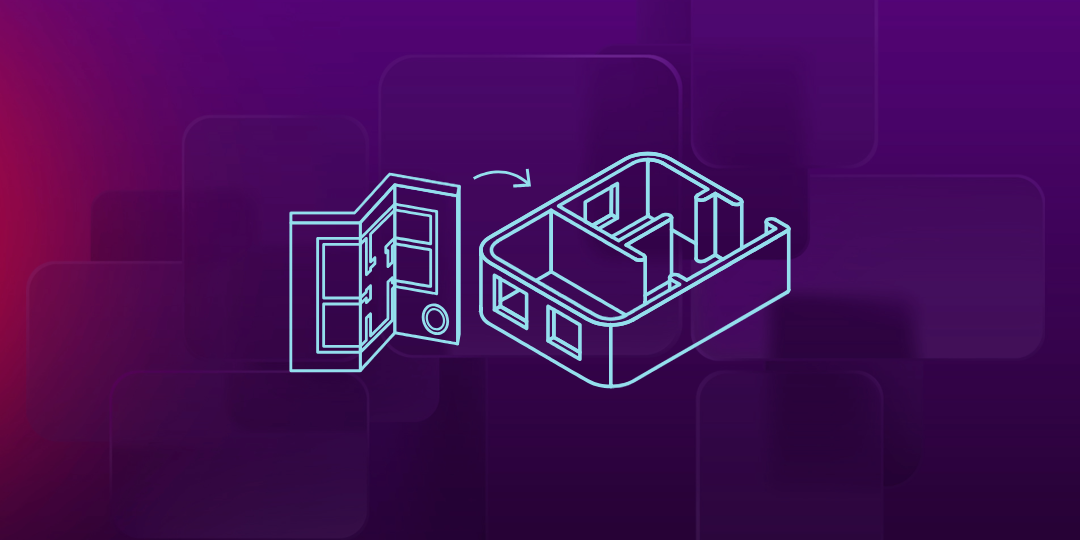
Twindo Plan to CAD was built specifically to solve this problem. Whether you’re working on a single residential project or a commercial rollout across multiple sites, you simply upload your DWG, DXF, or PDF and Twindo delivers a complete, design-ready CAD/BIM model within days.
Your files arrive in the software you already use, including SketchUp, Revit, Chief Architect, or AutoCAD. No conversions, no reformatting. Just open it and start designing.
What You Get
Every Plan to CAD file meets the LOD 200 standard, which means you get everything you need to move confidently into the design phase, including accurate wall locations, door and window openings, room dimensions, and spatial relationships that reflect the actual building. The model is clean, organized, and ready to build on, not something you have to audit and fix before you can use it.
For commercial projects, that consistency matters even more. When you’re working across multiple locations that all need to be modeled to the same standard, getting reliable, uniform files from the start keeps your team aligned and your timelines intact.
Save Time on Every Project
Think about the last project where you spent hours recreating an existing floor plan. Now imagine getting that time back on every project, across every location.
Plan to CAD isn’t just a convenience. For busy designers, architects, and commercial project managers, it’s a genuine workflow shift. The hours you save on existing-conditions modeling are hours you can reinvest in design, client communication, or simply taking on more work. Over the course of a year or a multi-site rollout, that adds up fast, whether you’re measuring it in billable hours recovered or projects you were finally able to say yes to.
The Real Value: Spending Less Time on Grunt Work
Whether it’s you or someone on your team, no one enjoys rebuilding models from floor plans. It’s the kind of work that slows down talented people and quietly drains project budgets before design even begins. For commercial teams under pressure to move fast across multiple sites, that drag is even harder to absorb.
Twindo Plan to CAD removes that bottleneck entirely, so your team can spend their hours on work that moves the project forward and actually requires their expertise.
Ready to Start Fast-Tracking Projects?
Getting started with Twindo Plan to CAD is simple. Upload your plans, receive an estimate, select your preferred file format, and get your 3D CAD/BIM model. Whether you’re working on a single light commercial space or managing plans across a portfolio of locations, there’s no better time to try it.