
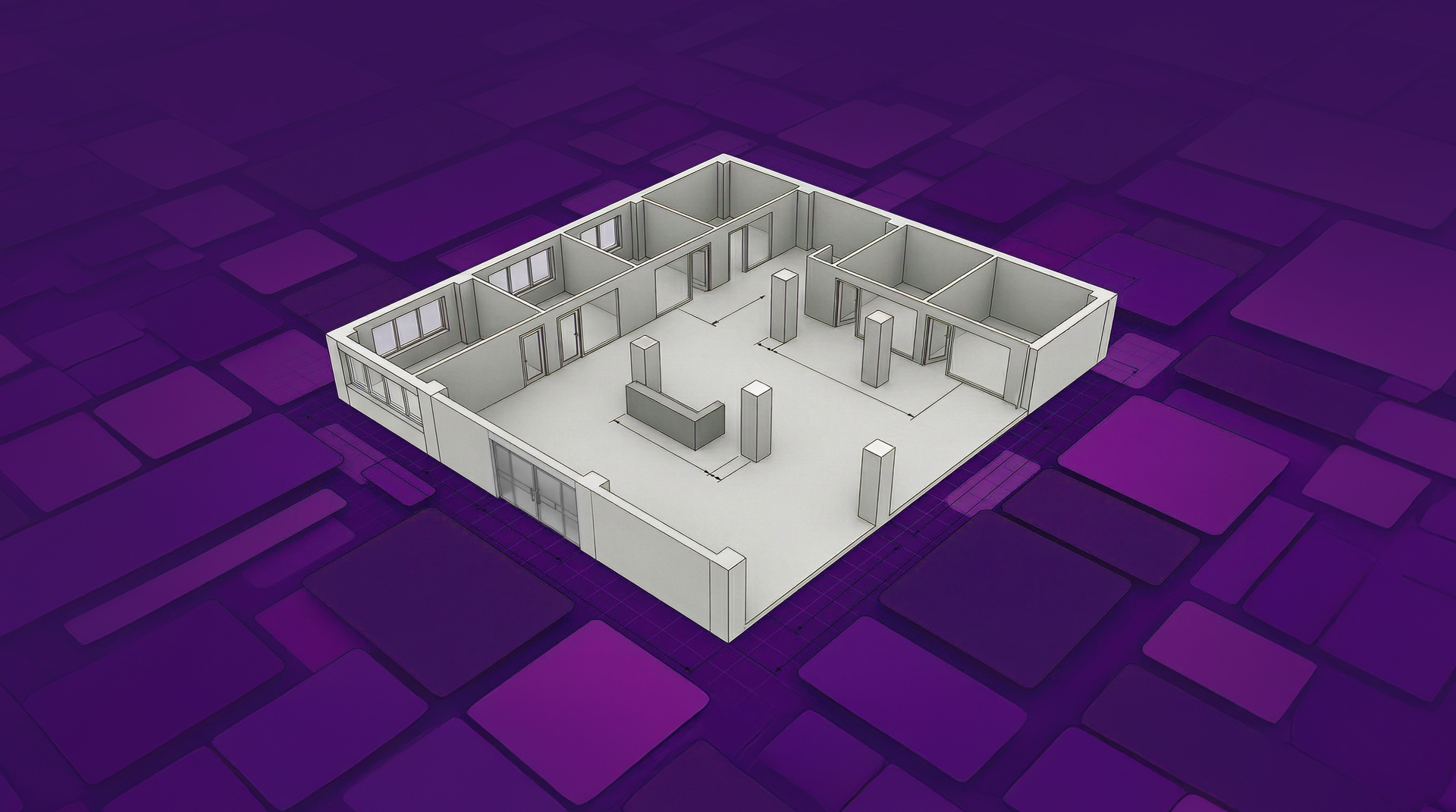
As-Built Drawings: What They Are, Why They Matter, and How They’re Created Today
Ever tried to renovate a building using outdated drawings? Then you know how fast things can go sideways.
A wall ends up two inches off from the plan. A beam appears where no beam was ever supposed to be. Suddenly, the team is back on site with a tape measure, trying to figure out what actually exists.
That’s why as-built drawings matter. They show what was truly built; not just what the plans originally said should be there.
These drawings capture the real, existing conditions of a building, including any changes that happened during construction. That makes them essential for renovations, remodeling, maintenance, permitting, or future design work.
For decades, creating as-built drawings meant hours of manual measurements, sketches, and redlines. Today, digital capture tools are changing that process. Teams can document spaces faster and convert them into accurate as-built CAD drawings or 3D building models without the same time-consuming fieldwork.
In this guide, we’ll walk through:
- What as-built drawings are
• Why they matter for construction and remodeling projects
• The different types of as-built documentation
• How the process has evolved from manual measurement to digital capture
What Are As-Built Drawings?
As-built drawings are detailed records of a building as it actually exists after construction.
They document the final built conditions of a structure, including any changes that were made during the building process.
That’s what separates them from design drawings. Design drawings show what was planned. As-built drawings show what’s there IRL.
They typically include:
- Final wall dimensions and room layouts
• Structural elements such as beams or columns
• Window, door, and fixture placements
In practice, these drawings become the most reliable representation of a building’s layout and systems.
Architects, contractors, designers, and property owners all rely on them as a shared source of truth for future work.
When Are As-Built Drawings Created?
As-built documentation usually shows up at two moments in a project where the difference between success and a headache often comes down to how accurate your information is.
Get the documentation right, and the work moves forward smoothly. Miss something, and teams end up back on site with a tape measure wondering how the plans went sideways.
1. Before a Renovation or Remodel
Before design work begins, teams often create existing condition drawings of the building. These function as as-built drawings that document the current space.
This step is more important than many people realize. Renovations rarely start with a perfectly documented building. Previous remodels, undocumented changes, or incomplete drawings are common.
Accurate as-built drawings help designers understand what they’re actually working with, which prevents surprises once construction begins.
2. After Construction Is Completed
As-built drawings are also created at the end of a construction project.
Almost no project is built exactly as the original plans were drawn. Field adjustments happen all the time: systems get rerouted, walls shift slightly, or structural details change to solve problems on site.
As-built documentation records those changes so the final drawings reflect what was actually built, not just what was originally intended.
Why As-Built Drawings Are Important
Accurate as-built drawings support nearly every stage of a building’s lifecycle.
Renovation and Remodeling
Design teams rely on as-built drawings to understand existing conditions before making design decisions.
Without them, renovation plans can easily clash with what actually exists in the building.
Maintenance and Facility Management
Property owners and facilities teams use as-built documentation to locate systems, infrastructure, and structural elements when repairs or upgrades are needed. In many cases, BIM models also help track building systems over time, such as equipment maintenance, replacements, and other operational needs.
Permits and Compliance
As-built drawings can also serve as official documentation if questions arise about how a building was constructed. In some jurisdictions, plans showing the existing conditions are often required as part of the permit set.
Project Efficiency
Clear documentation prevents repeated site visits, measurement errors, and unnecessary design revisions.
Types of As-Built Drawings
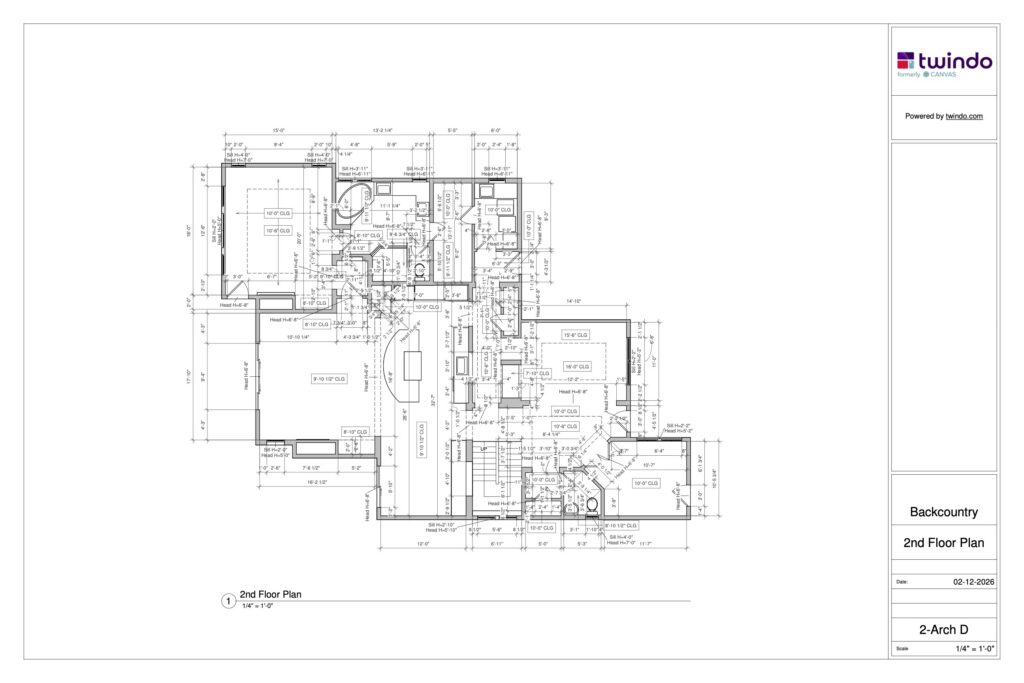
Different types of as-built drawings focus on different parts of a building.
Architectural As-Built Drawings
These focus on the building’s layout and visible elements.
They typically include:
- Room dimensions
- Wall placements
- Windows and doors
- Floors and ceilings
- Built-in elements and fixtures
Architectural as-built drawings are the most commonly used documentation for remodelers and designers.
Structural As-Built Drawings
Structural as-built drawings focus on the building’s load-bearing components, including:
- Beams
- Columns
- Structural walls
- Foundations
These drawings help engineers confirm structural integrity and safely plan future modifications.
MEP As-Built Drawings
MEP stands for Mechanical, Electrical, and Plumbing.
These drawings document the infrastructure systems within a building, including:
- Electrical circuits and panels
- HVAC systems and ductwork
- Plumbing lines and fixtures
- Equipment locations
For facilities teams and contractors, MEP documentation is essential for maintenance, troubleshooting, and upgrades.
As-Built Drawings vs Record Drawings vs Existing Condition Drawings
These terms often get used interchangeably, but they describe slightly different types of documentation.
As-Built Drawings
As-built drawings show what was actually constructed, including any changes made during the building process. They reflect the final, real-world conditions of a project.
Record Drawings
Record drawings are typically updated versions of the original design drawings that incorporate known changes during construction. However, they may not always capture every field modification.
Existing Condition Drawings
Existing condition drawings document the current state of a building before new work begins. These are commonly created before renovation or remodeling projects.
In practice, many professionals treat existing condition drawings as a form of as-built documentation because they capture the building as it truly exists.
The Traditional Process of Creating As-Built Drawings
For many professionals, creating as-built drawings is often one of the most dreaded parts of a project. It’s slow, detail-heavy work.
The traditional workflow often looked something like this:
- Visit the site
- Measure every room manually
- Sketch the layout by hand
- Transfer measurements into CAD software
- Return to the site if anything was missed or measurements don’t line up
Even experienced professionals can spend 8 to 24 hours measuring and documenting a single residential space.
And mistakes happen. Miss one measurement, and suddenly you’re scheduling another trip back to the job site. Paper sketches and redlined drawings can also create confusion when multiple stakeholders are involved.
The Shift to Digital As-Built Documentation
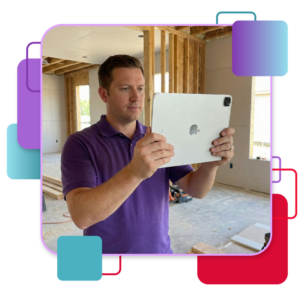
Over the past decade, the design and construction industries have begun moving toward digital building documentation workflows.
Instead of relying entirely on manual measurements, teams can now capture spaces using technologies such as:
- LiDAR scanning
- Photogrammetry
- Mobile 3D scanning tools
- Digital site capture apps
These tools collect detailed spatial data, which can then be converted into as-built CAD drawings or BIM models.
The shift has dramatically improved how projects start and move forward. Digital capture helps teams improve:
- Accuracy
- Speed
- Documentation consistency
- Collaboration between project teams
Rather than measuring walls one by one, professionals can now capture a full building layout in minutes. The result is a digital spatial asset teams can reuse throughout the entire project lifecycle, from design and construction to maintenance and operation.
Platforms like Twindo build on this shift by turning captured scans into structured, design-ready models teams can actually work from.
Point Clouds vs. Editable Models
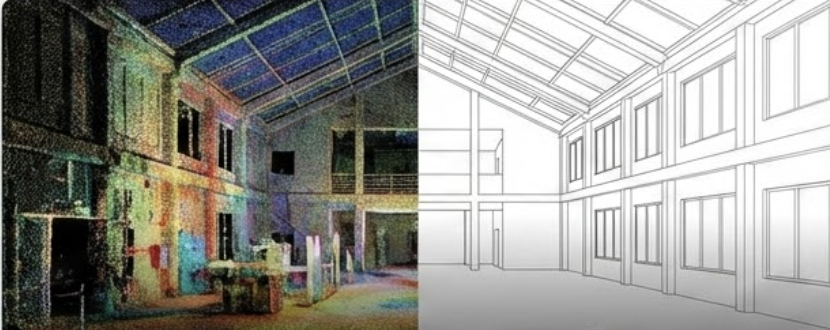
Many scanning technologies capture spaces as point clouds: dense collections of spatial data points that represent the geometry of a building.
While point clouds can be highly accurate, they are not immediately usable for design work. Architects and designers need to convert that raw scan data into editable CAD or BIM models before they can begin planning renovations or new construction.
That conversion process can involve hours of manual modeling and interpretation, especially when tracing over scan data in software such as ReCap Pro or other design tools.
Some platforms streamline this step by converting scan data directly into design-ready models. For example, Twindo’s point-cloud-to-BIM workflow turns captured spatial data into editable BIM files teams can work with immediately.
From Drawings to As-Built Models
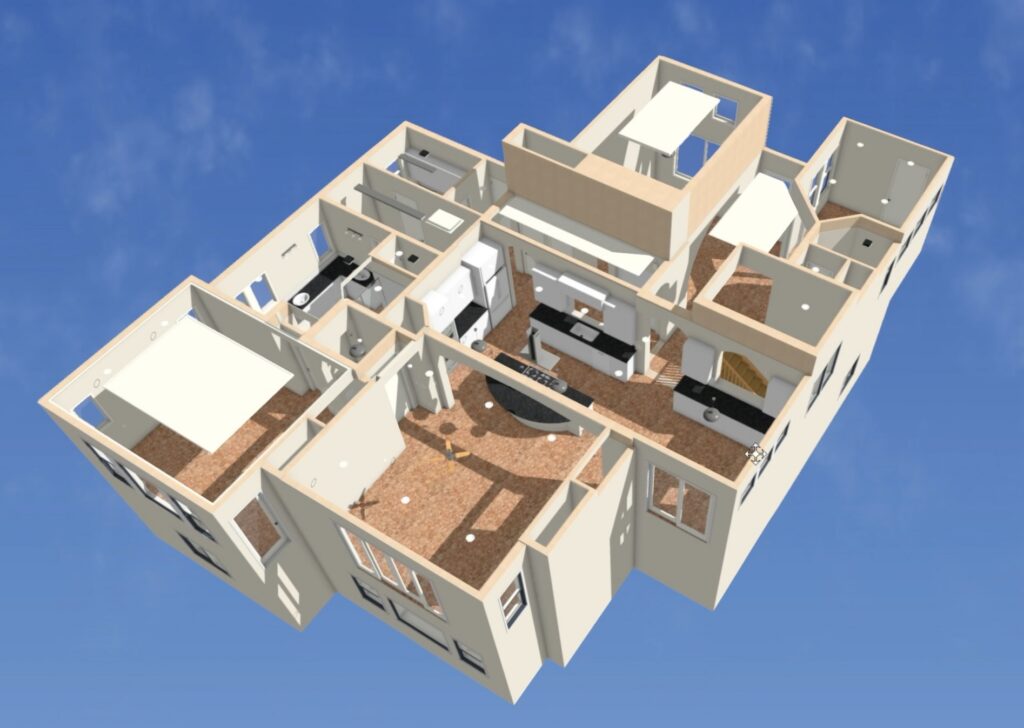
Traditionally, as-built documentation focused on 2D drawings. Today, many workflows are shifting toward 3D as-built models instead. These models provide a richer and more detailed representation of a building because they capture:
- Spatial relationships
- Accurate geometry
- System placements
- Detailed measurements
3D as-built models are most useful when they can be used within the common design software teams already work in. Examples include:
- AutoCAD
- Revit
- Chief Architect
- SketchUp
- Archicad
- Vectorworks
- Design Flex (2020)
This makes it easier for architects, designers, and contractors to move directly from documentation into design and planning.
Improving As-Built Workflows with Digital Capture
Modern digital capture workflows simplify the process of creating as-built documentation.
Instead of spending hours manually measuring a site, teams can:
- Scan the space using a mobile device.
- Capture detailed spatial data.
- Convert that data into a structured CAD or BIM model. Platforms like Twindo build on this workflow by turning captured spaces into structured, design-ready CAD or BIM models teams can work from.
- Share the model with the full project team.
This approach reduces measurement errors, eliminates repeated site visits, and helps teams move into the design phase much faster. In many modern workflows, the captured data becomes a shared source of truth that architects, remodelers, and contractors can all work from.
Best Practices for Capturing Accurate As-Built Data
Even with modern iPhone and iPad scanning tools, good capture habits still matter.
Prepare the Space
- Turn on all lights
- Open interior doors and closets
- Remove moving people or objects
- Turn off ceiling fans
Plan the Scan Path
Mentally map out a smooth, continuous path that captures areas you want modeled without scanning the same area multiple times in a single scan. Ensure you have a safe area to walk throughout your planned scan.
Maintain Consistent Distance
Keep the device roughly 3 to 12 feet from surfaces to ensure accurate spatial capture.
Capture the Entire Layout
If you want a model of the entire space, make sure every room, hallway, and transition space is included.
Following these practices helps ensure the resulting data can be converted into clean, accurate as-built models.
The Future of As-Built Documentation
The construction industry is steadily moving toward spatially captured building documentation, where teams capture a space once and reuse that data across design, planning, and construction.
Manual measurement and hand sketches are gradually being replaced by workflows that combine:
- spatial capture
- automated modeling
- digital collaboration
- standardized data formats
The result? Faster project starts, fewer measurement errors, and better coordination between architects, contractors, and clients.
As workflows continue to digitize and buildings become more complex, accurate as-built documentation will only become more essential. For anyone working with existing buildings, it’s the difference between starting a project with a tape measure, and starting with confidence.