

Save hours of modeling with Twindo Plan to CAD
Send us your single-family, multi-family, or light commercial plans and avoid the hassle of manually creating CAD models!
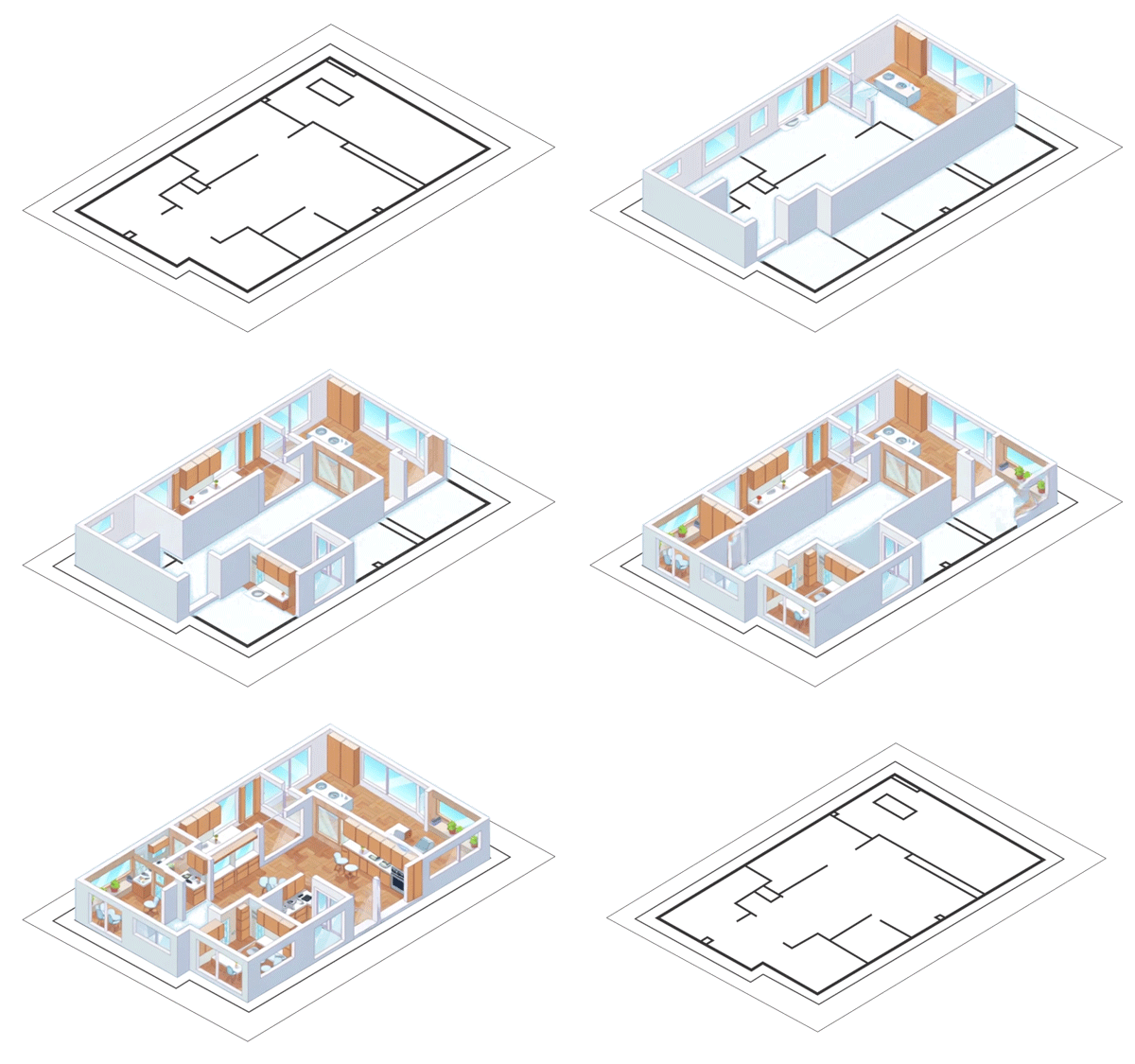
Plan to CAD (Beta)
Supports conversion to SketchUp, Chief Architect, Revit, and AutoCAD.
Log in to your account or create one to upload your plans.
Our Plan to CAD files meet Level of Development (LOD) 200 (Generalized Representation/Schematic Design): See below for more details.
Your file will open in whichever design software you select, design-ready, as if you made it yourself.
To get started, upload your DWG, DXF, or PDF files and our team will follow up with an estimate. Once we receive final confirmation from you, we’ll deliver your CAD files within days.
Details make the difference
Twindo Plan to CAD files meet the LOD 200 standard (Generalized Representation/Schematic Design).
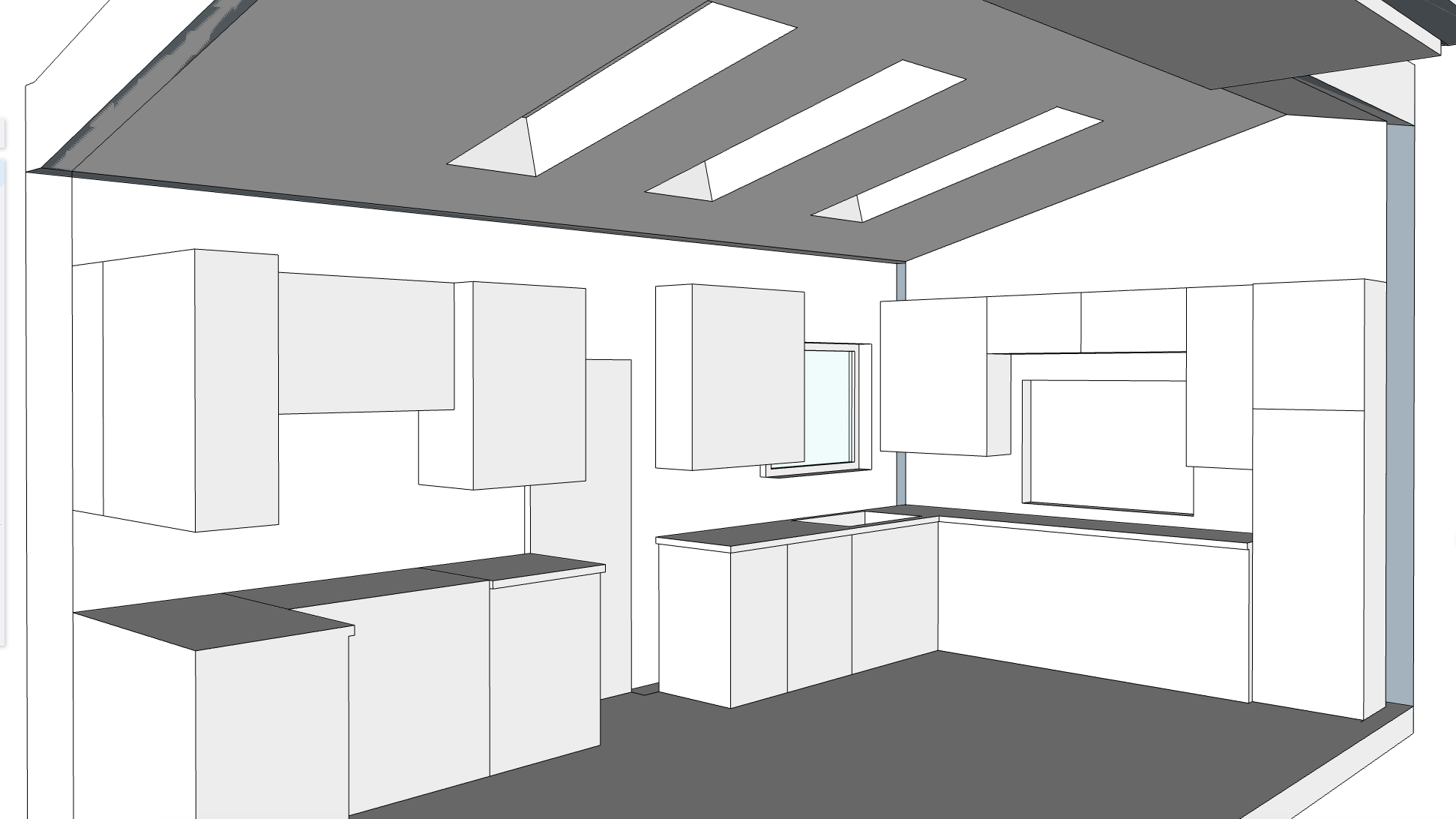
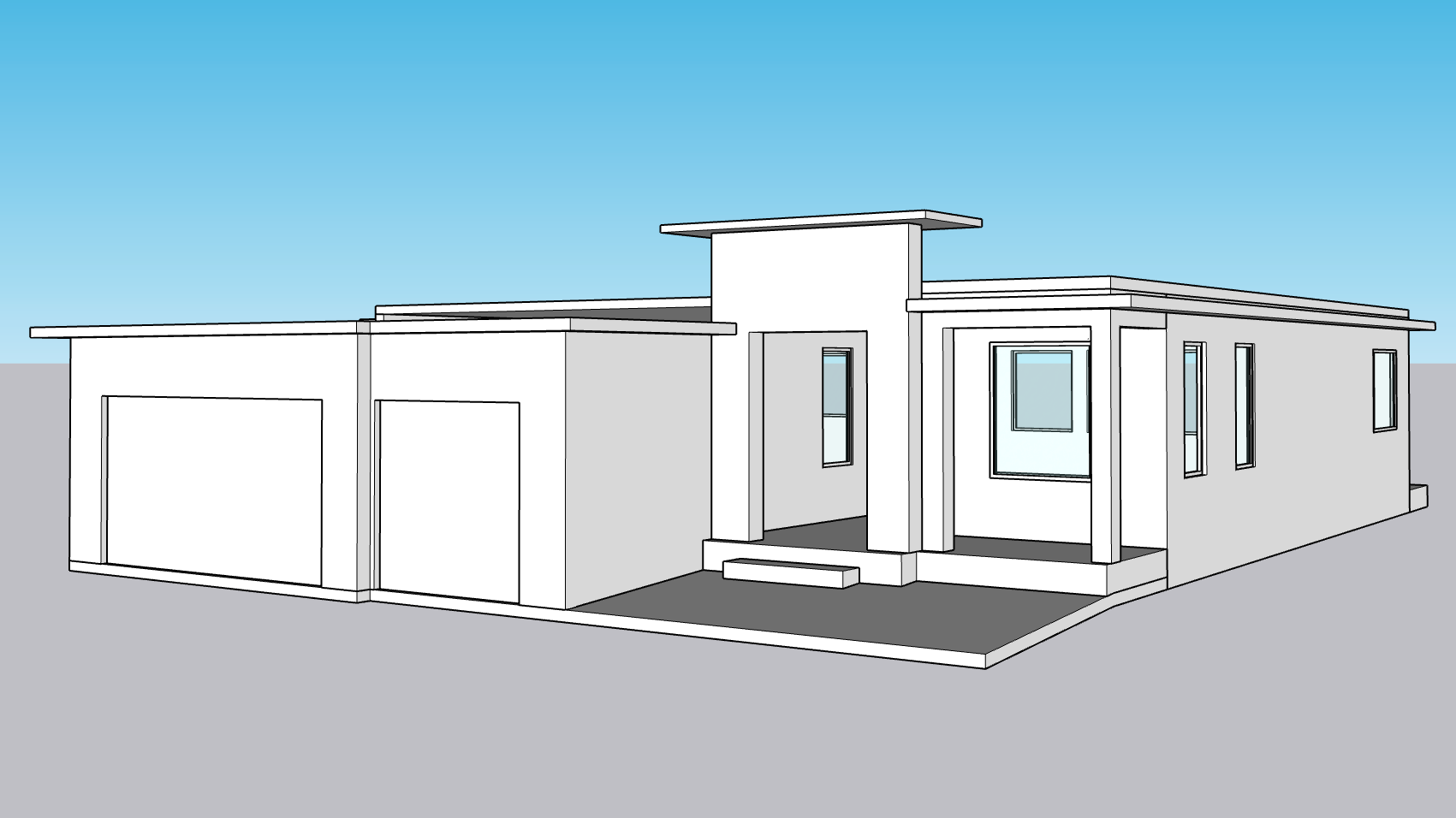
LOD 200 model elements are represented as generic systems, objects, or assemblies. They contain approximate quantities, size, shape, location, and orientation. However, the information is not precise, and details such as the exact geometry or specifications may still be subject to change.